BoomTown Buyer Lead Welcome Email Video

Written by Will Maberry
Updated at May 14th, 2025
Table of Contents
Recording a Buyer Welcome Video for BoomTown
Video is a powerful way to connect with new buyer leads, offering a friendly introduction and building trust from the very first interaction. When used in BoomTown’s automated Buyer Lead Welcome Email, a personalized video allows you to stand out and make a memorable impression.
We recommend recording this video using BombBomb from your desktop, as it allows you to appear as though you're responding in real time, use a professional office setting, and reference on-screen speaker notes while maintaining eye contact with the camera.
Once recorded, our team can help attach your video to the welcome email automatically sent to new leads after they register on your site—or to manually added leads when the “Send Welcome Email” box is checked.
Steps to Record Your Buyer Welcome Video
- Open Chrome and navigate to the destinproperties.com Bookmarks folder, then click BombBomb.
- Log in to your BombBomb account. New team members can find their login details in the Credentials tab of their Onboarding Checklist.
- Prepare your background. A tidy, professional office setting is ideal. Avoid virtual backgrounds if possible—they reduce authenticity.
- In BombBomb, click New Video (orange button, top right), then choose Record Yourself.
- Title your video: BoomTown Buyer Lead Welcome Email
- Toggle on Speaker Notes in the lower right-hand corner. Paste your script or talking points here to stay on track while keeping your eyes on the screen.
- Record your video using the sample script below, or create your own. Aim for 30–45 seconds.
Sample Script
Hi there!
I'm [Your Name] with Scenic Sotheby’s International Realty. I just wanted to say a quick thank you for using our website and put a face with the name.I look forward to connecting with you soon, but in the meantime, I'll make sure you receive my weekly Market Snapshot email so you’re kept up-to-date with new listings and price improvements at the beach.
I've included your username and password for our website below, as well as a link to download my app. If you have general questions about real estate, would like more information about a specific property, or are ready to take the next step, please don't hesitate to give me a call at [Your Number].
I look forward to speaking with you soon. Bye-bye.
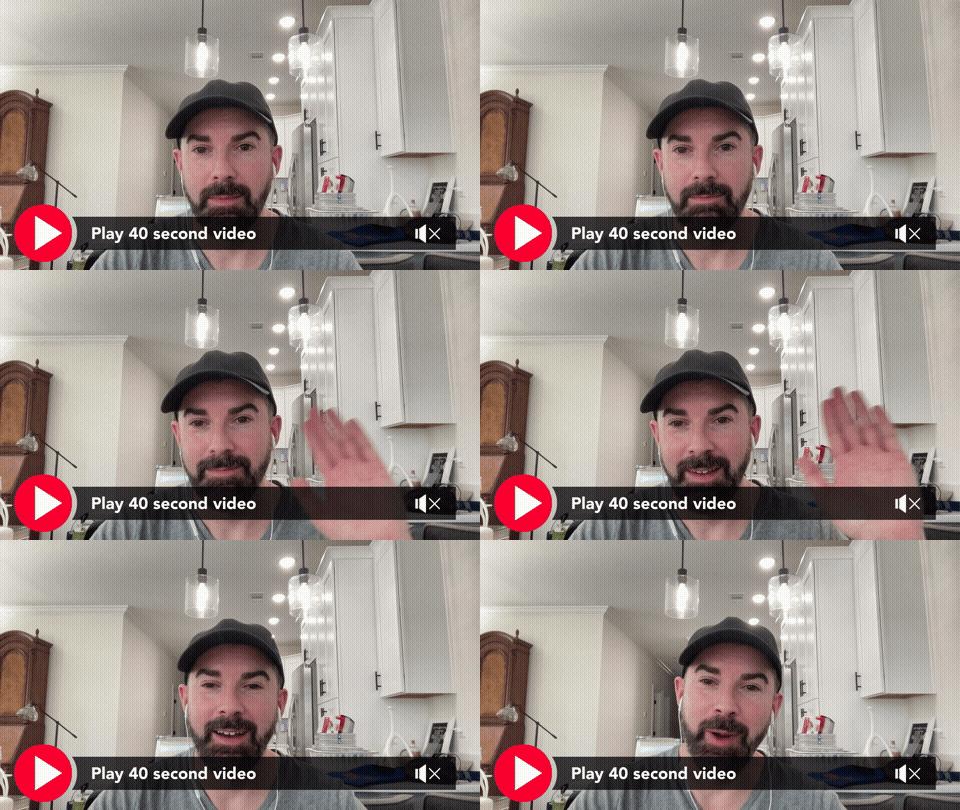
Here's an example of what this might look like, if you didn't do your hair or tidy-up your background!
Pro Tips for a Strong Video
- Start with a wave and pause briefly. This helps create a clickable thumbnail with movement.
- If you’d like, use the “Make It Big” app on your phone to display a short message like “Thanks!” at the beginning of your video.
- Practice your script a few times before recording to ensure a natural delivery.
- Smile and bring energy. Make the viewer feel like the video was recorded just for them.
- Once you're happy with the recording, click Save next to the video title and notify our team so it can be attached to your Buyer Lead Welcome Email in BoomTown.